Start. Focus. Switch.
Pick a task and start the timer. Switch work from the main bar, with your current task and time always in view.
Time tracking for focused work, on the web and Mac.
Track tasks, review daily totals, and see where the hours go with chronosum.
In your browser. In your Mac menu bar. In sync.
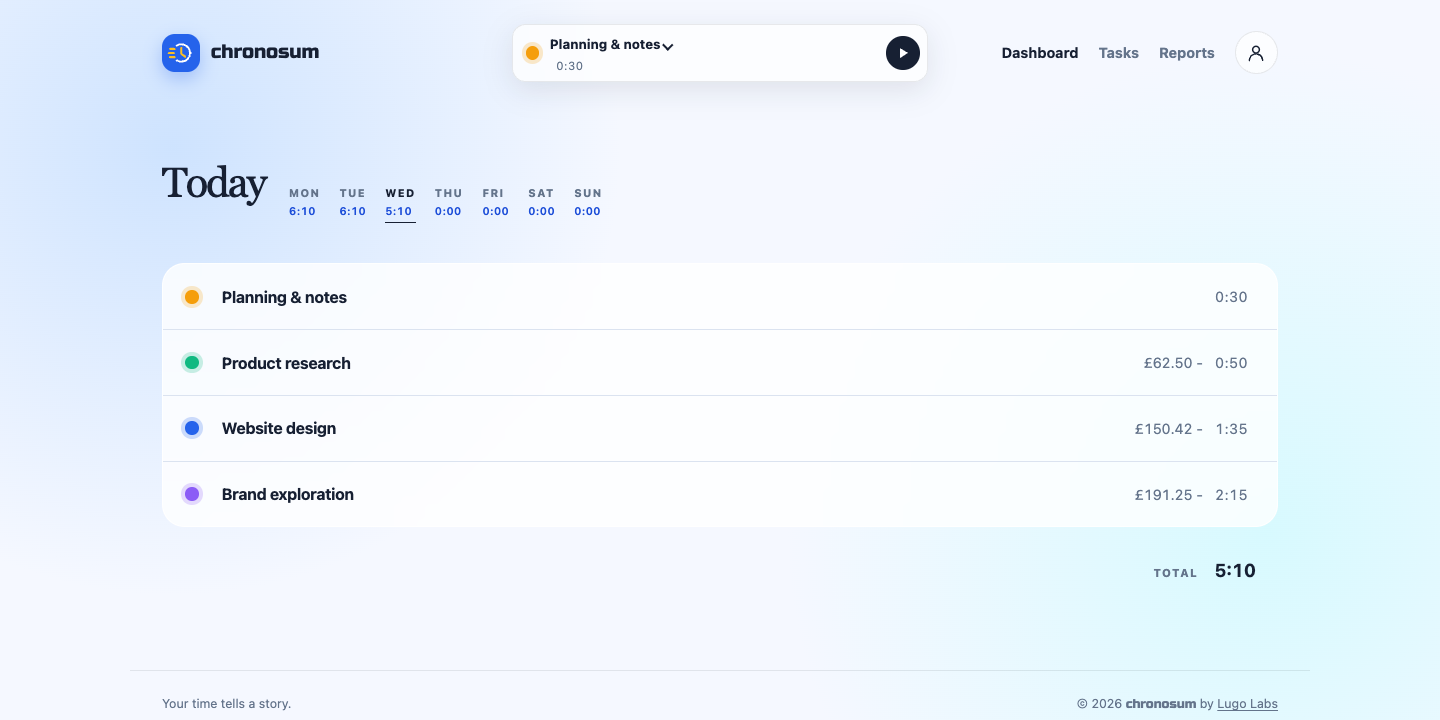
A SMALL TOOL. A CLEARER PICTURE.
From the first task to the last check-in, keep the details of your working day in one place.
Pick a task and start the timer. Switch work from the main bar, with your current task and time always in view.
See time by task, move between days of the week, and correct a duration when your day needs a small adjustment.
Review recorded time over a date range. Add hourly rates to tasks to see the corresponding amounts in your reports.
A PLACE FOR EVERY PIECE OF WORK
Client projects, deep work, the little things in between. Give each task a name, a colour, and an optional hourly rate. Then get on with it.
Learn about tasks and hourly rates →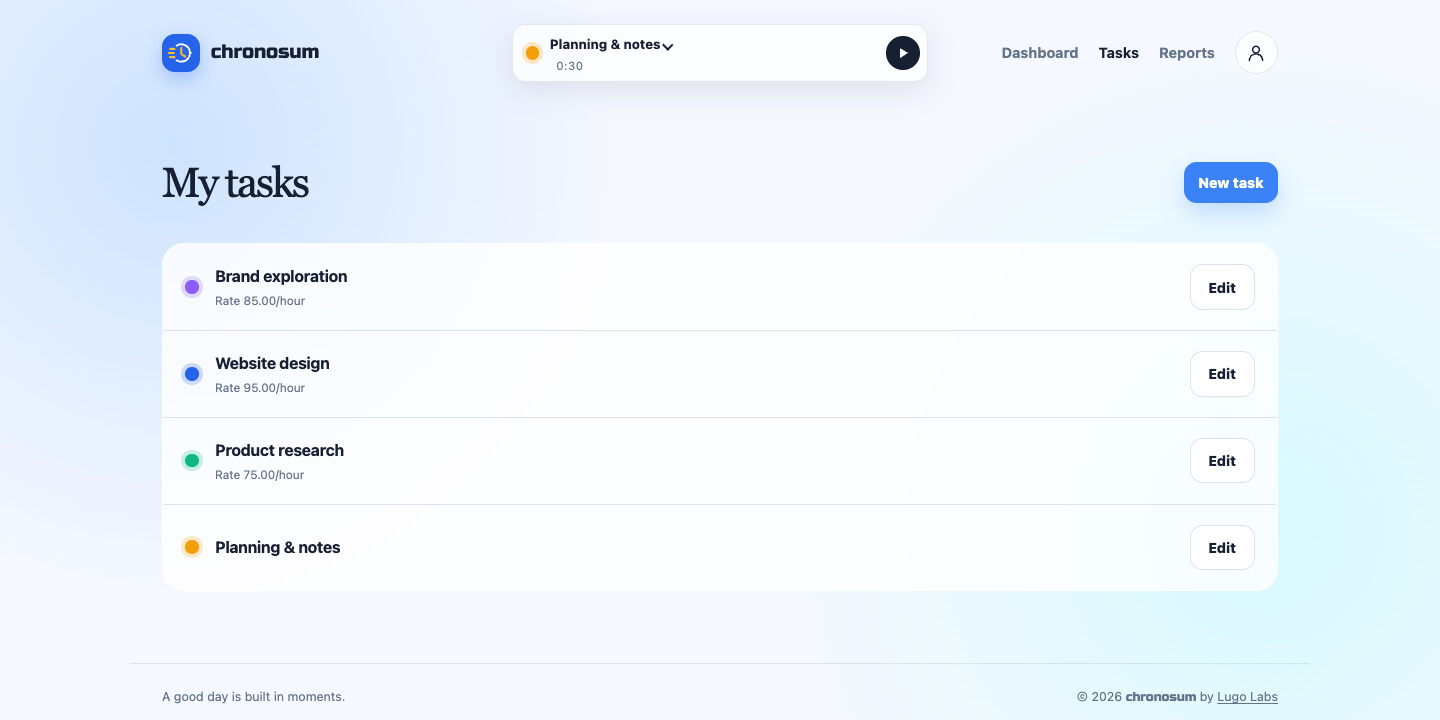
SEE THE BIGGER PICTURE
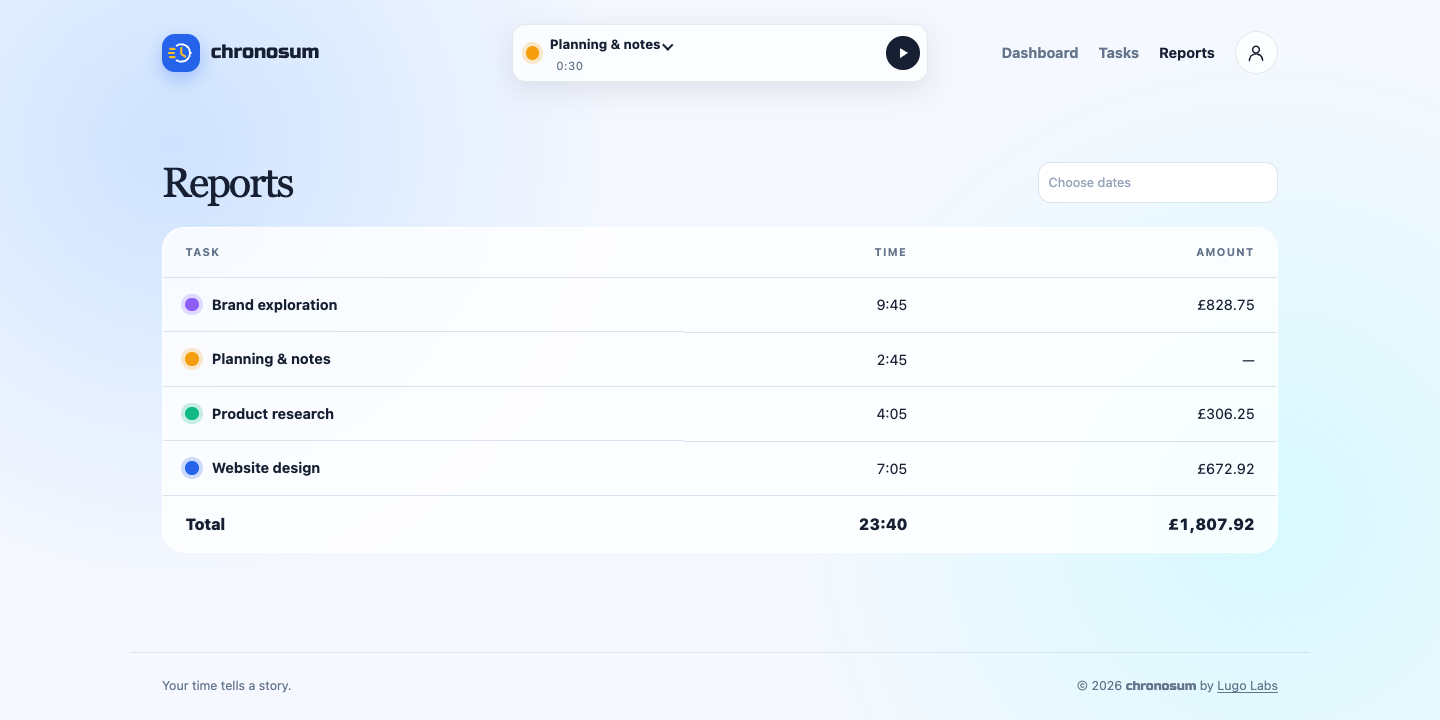
Turn your daily tracking into a clear breakdown. Compare time across tasks, choose a reporting period, and see totals without rebuilding your week from memory.
Understand your time reports →Screenshots show the app with example project data.
 A little companion for your working day.
MEET chronosum FOR MAC
Start, stop, and switch tasks without reaching for a browser tab. The native Mac app keeps your timer in sync with the web.
macOS 13 or later · Apple silicon and Intel
chronosum is a time tracking app by Lugo Labs. Track work by task in your browser or the native Mac menu bar app, review daily totals, and create reports for a selected date range.
Create an account, add a task, and start its timer. You can stop or switch tasks and edit recorded durations from the web dashboard. Learn how to track and edit time.
Yes. The Mac app uses your chronosum account and keeps your timer in sync with the web. It requires macOS 13 or later and supports both Apple silicon and Intel Macs. Sign in through your browser to connect it.
The Mac app detects inactivity, sleep, and screen lock and deducts inactive time. You can restore deducted time if it should count toward your work.
Yes. Reports show recorded time by task over a date range. Add an optional hourly rate to a task to calculate its corresponding amount in reports.
MAKE YOUR NEXT HOUR COUNT